Best Controllers for Synos Cloud Gaming
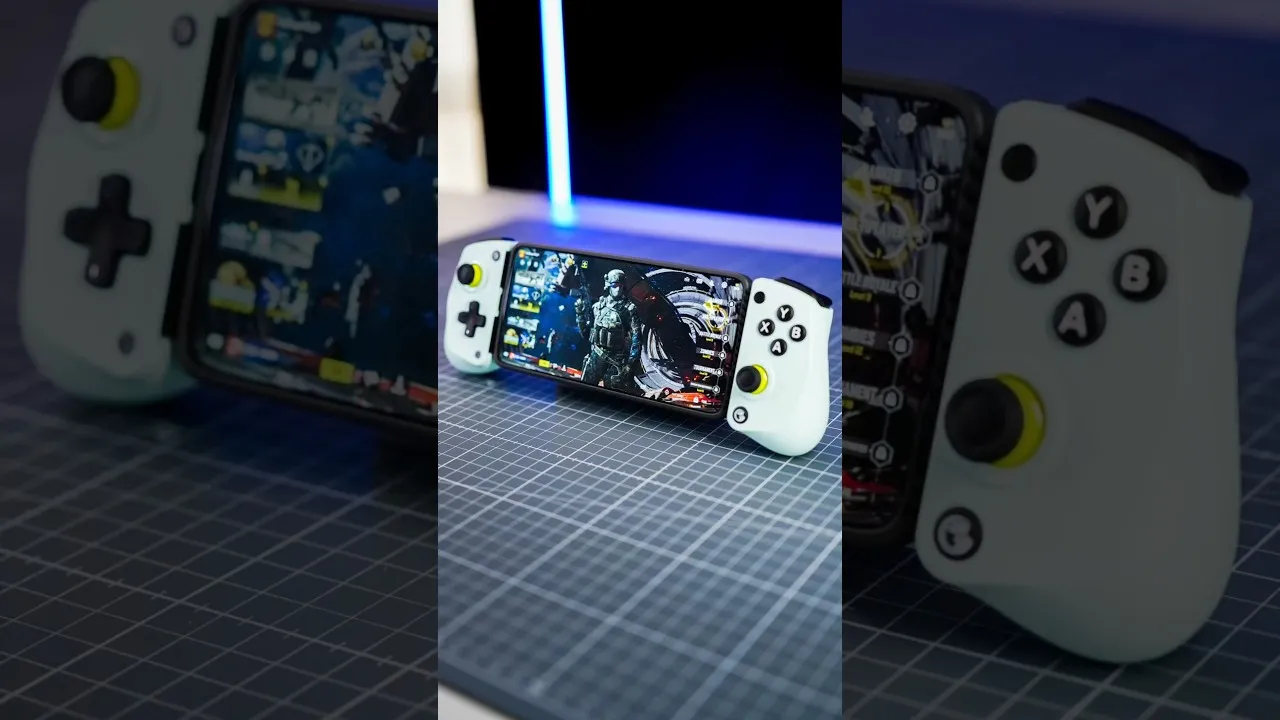
A good controller changes cloud gaming on a phone completely. Touch controls work for menus and slower games, but twin sticks, real triggers, and physical buttons give you the accuracy and comfort that action, racing, and sports titles are designed around, especially in longer sessions.
Choosing well is mostly about fit: fit with your phone, fit with your hands, and fit with the way you play. The Synos Cloud Gaming app works with standard Bluetooth gamepads on Android, so your shortlist should start with controllers that pair easily, hold a charge, and feel comfortable for the session lengths you enjoy.
Full-Size Bluetooth Gamepads
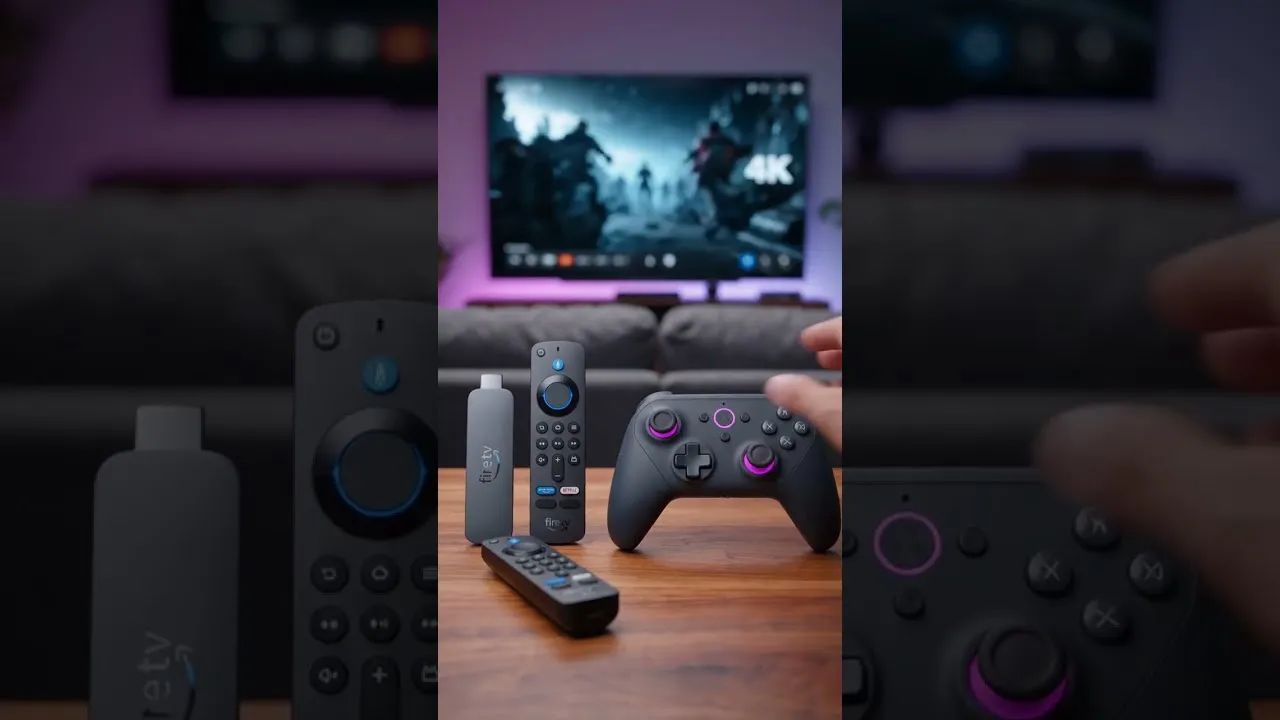
The classic console-style gamepad is the safest all-round choice. These controllers pair with Android over Bluetooth, are recognised by most games without extra setup, and offer the familiar layout of two sticks, a D-pad, four face buttons, and analogue triggers.
They suit desk and sofa play best, paired with a phone stand or a TV setup. Battery life is usually measured in tens of hours, grips are shaped for long sessions, and replacement is easy if a stick ever wears. If you already own a modern console controller, try it first before buying anything new, because many of them connect to Android phones without any adapter.
Clip-On and Telescopic Phone Controllers
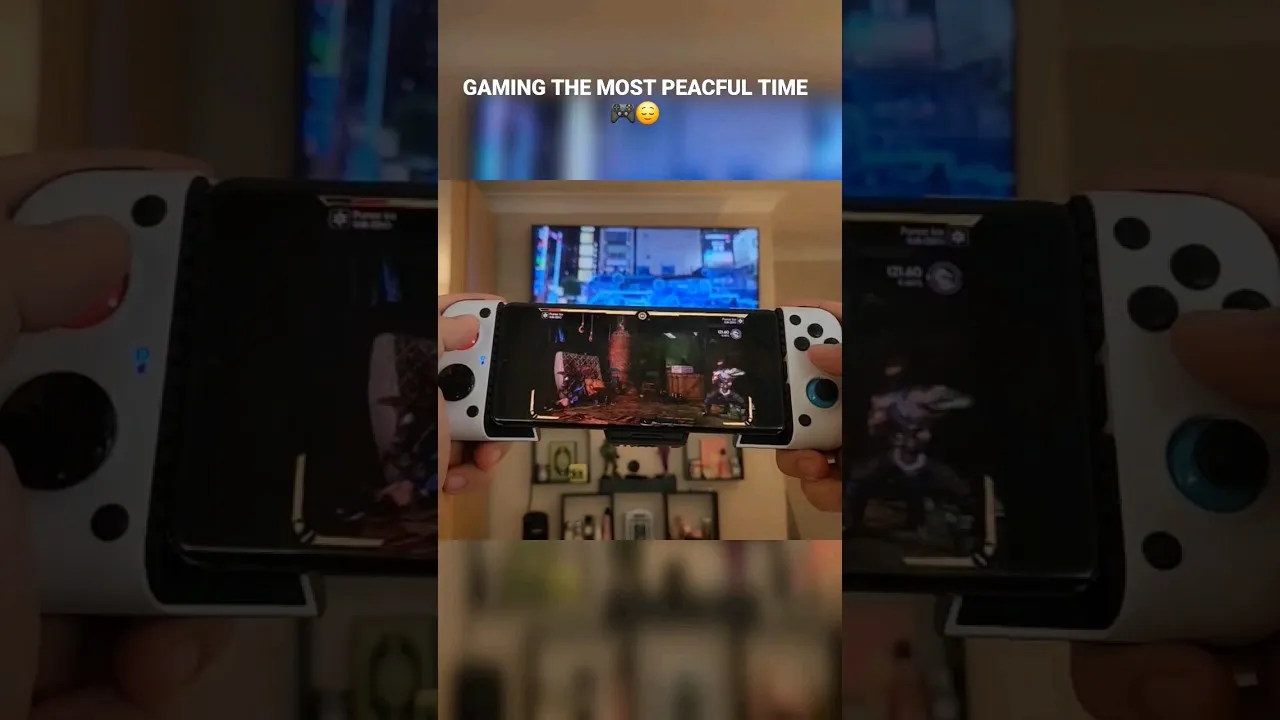
Telescopic controllers stretch around the phone and turn it into a handheld console. The phone sits between two halves, which keeps the weight balanced in your hands and removes the need for a stand. This style is ideal for playing in bed, on a sofa, or while travelling.
Some models connect by Bluetooth, while others plug directly into the phone's charging port. A direct connection avoids pairing steps and removes wireless delay entirely, though you should check that the connector and the stretch range match your phone's size, especially if you use a thick case. Confirm your handset's dimensions against the Synos Cloud Gaming device compatibility guide before ordering.
What to Check Before You Buy
Compatibility comes first: the controller should state Android support clearly, and Bluetooth pairing should be a standard system-level connection rather than a companion app that remaps everything. Standard controllers are recognised as gamepads by the system, which keeps setup simple across different games.
Then check the practical details. Stick quality decides aiming precision, trigger travel decides racing control, and a D-pad that clicks cleanly in each direction makes platform and fighting games far more enjoyable. Weight, grip texture, and button noise matter more than extra features you may never use. A screenshot button or extra back paddles are nice bonuses, but they should never outrank comfort and reliability.
Setting Up and Testing Your Controller
Pair the controller in Android's Bluetooth settings, then open a game and test every input before starting a serious session: both sticks, the D-pad, triggers, and the menu buttons. Most titles map a standard controller automatically, and many let you adjust sensitivity or swap buttons in their own settings.
If inputs feel delayed, move closer to the phone, remove other Bluetooth devices competing nearby, and fully charge the controller, since a nearly empty battery can behave oddly. Players who prefer not to use a gamepad at all can still get a lot from the on-screen layout described in our guide to touch controls in Synos Cloud Gaming, which covers button placement and sensitivity tuning.
Matching the Controller to Your Games
Think about your library. Shooters and racing games reward precise sticks and analogue triggers, so a full-size pad earns its place. Retro and platform titles live on the D-pad, where a controller known for a crisp, accurate pad is worth prioritising. Strategy and adventure games are forgiving and work well with almost any comfortable option.
Budget honestly, too. A mid-range controller with solid sticks and a good battery usually serves better than the cheapest option with vague triggers. Buy once, keep it charged, and the controller becomes the piece of kit that makes every cloud session feel like console play.
Care for the controller you choose and it will stay accurate for years. Keep it charged rather than letting the battery sit empty, store it away from heat, and clean around the sticks gently so grit does not work its way inside. Stick drift and tired triggers usually begin as small annoyances, so test your pad every few months in a calm game menu where you can watch for unwanted movement.
If you play with family or friends, a second inexpensive controller is a smarter buy than one premium model. Shared-screen games live or die on whether a guest can join in thirty seconds, and a spare pad in the drawer makes that happen. Label each controller or keep them in different colours if your household argues about whose is whose, and keep a charging cable near the sofa so a flat battery never cancels game night.
Try before you commit where you can. A friend's controller, a shop display unit, or a generous returns policy all beat a specification sheet, because hands differ more than hardware does. Hold the pad the way you actually play, resting your fingers on the triggers rather than posing with it, and pay attention to the second minute rather than the first impression. Comfort that survives the novelty is the comfort that matters at hour three.
Final Thoughts
The best controller for Synos Cloud Gaming is the one that pairs cleanly with your Android phone, suits your favourite kinds of games, and stays comfortable past the first hour. Start with any standard gamepad you already own, learn what you like, and upgrade with purpose. Physical controls are the fastest way to make streamed games feel precise, relaxed, and fully yours.