Synos Cloud Gaming Internet Requirements
Cloud gaming internet requirements describe the connection a streaming game service needs to send video to your phone and carry your inputs back without delay. Because the game runs on a remote server instead of your device, your network becomes part of the hardware, and its quality shapes everything you see and feel.
That is why checking your connection first saves frustration later. When you start with Synos Cloud Gaming APK download on a network that already meets the basics, the first session feels smooth instead of becoming a troubleshooting exercise. The good news is that the requirements are easier to meet than most people expect, as long as speed, latency, and stability are all in a healthy range.
What a Cloud Gaming Connection Has to Do
Every second of play is a two-way exchange. The server sends a live video stream of the game to your phone, while your phone sends back button presses, stick movements, and touch inputs. Both directions have to stay fast and steady at the same time, which is different from watching a video that can buffer ahead.
This is also why a connection that feels fine for browsing or social apps can still struggle here. Those apps tolerate small delays because nothing on screen depends on your exact timing. A streamed game notices every pause, so the requirements focus on responsiveness as much as raw download numbers.
Download Speed: The First Number to Check
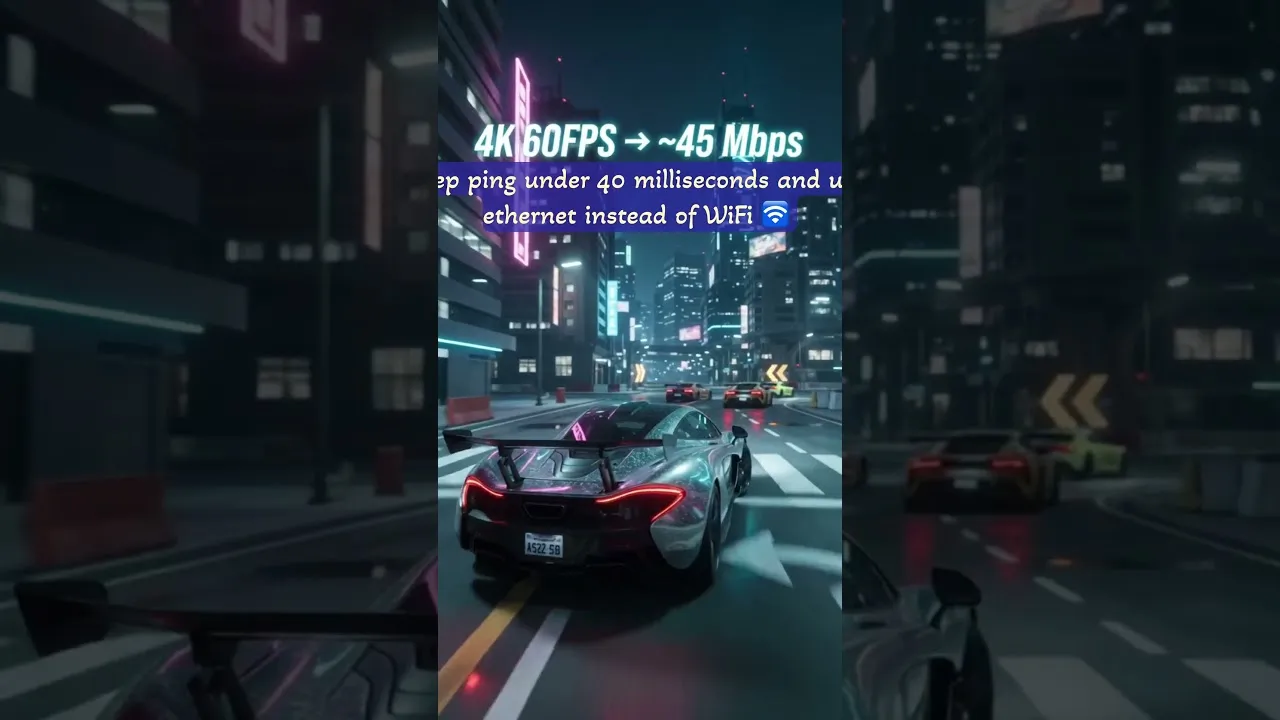
Download speed decides how much video detail the stream can carry. A basic session can run on a modest connection, but higher speeds give the stream room for sharper picture quality and fewer drops when the action gets busy. As a practical guide, aim for a steady connection in the mid double digits in megabits per second for comfortable play, with more headroom if other people share the network.
Run a speed test on the same device and in the same room where you plan to play, not next to the router where the signal is strongest. Test at the time of day you normally play as well, because evening congestion can cut real speeds well below what a morning test shows.
Latency and Ping: The Number Players Feel
Latency, often shown as ping, is the time your input needs to reach the server and the result needs to come back. Low latency makes controls feel direct, as if the game were running on the phone itself. High latency adds a visible delay between tapping a button and seeing the character react, which is hardest to ignore in racing, sports, and action games.
Distance matters here. Playing on a network route that reaches the service quickly keeps ping low, while a weak signal or a congested router adds delay before the data even leaves your home. If controls feel floaty even though your speed test looks strong, latency is usually the reason, and the fixes in our guide to connection problems are worth checking.
Stability, Jitter, and Packet Loss
A stable connection beats a fast but uneven one. Jitter describes how much your latency jumps around from moment to moment, and packet loss means some data never arrives at all. Together they cause the hitches, frozen frames, and sudden quality drops that players often blame on the app itself.
When a session that started smoothly falls apart mid-game, the Synos Cloud Gaming not working common problems and fixes can help you separate a network problem from an app problem. In many homes, simply moving closer to the router, restarting it, or pausing a large download on another device removes the instability completely.
Wi-Fi or Mobile Data: Which Works Better
Home Wi-Fi is the usual first choice because it is stable, unmetered in most homes, and easy to improve with better router placement. A modern router on its faster band, used in the same room or one room away, gives most players the experience they expect.
Mobile data can also work well when the signal is strong, especially on newer networks in open areas. The trade-offs are data caps and signal swings when you move around. If you play mostly at home, the Wi-Fi tips for Synos Cloud Gaming will help you get more from the connection you already have before you consider paying for a faster plan.
One more check separates guessing from knowing: test your connection the way the game will use it. Sit in your usual spot, hold the phone the way you hold it while playing, and run the test in the evening rather than the morning. Bodies, furniture, and a busy household network all change the result, and the honest number is the one measured under real conditions. If that test clears the basics comfortably, your connection is ready and any remaining problems are worth looking for elsewhere.
Households sharing one connection should also think in terms of timing. A plan that is plenty fast for one evening stream can feel thin when two people game, a third watches high-quality video, and a console downloads an update in the background. You do not need the fastest package on the market; you need enough headroom for your busiest realistic hour. Judge your internet by that hour, not by the quietest one, and the requirements stop feeling mysterious.
Final Thoughts
Synos Cloud Gaming asks for a connection that is fast enough for a clear stream, quick enough for responsive controls, and steady enough to hold both for a full session. Check your real speed where you play, keep an eye on latency, and fix stability problems at the router first. With those three basics in place, your network stops being the limit and the games themselves become the focus.